The AWS connector lets Phoenix Security read your container estate directly from AWS: the images stored in Amazon ECR and the containers running in Amazon ECS and Amazon EKS. Phoenix uses this inventory to link running containers to the images they run, and images to their base images. This guide covers the AWS permissions each capability needs, how to create the access key, and how to set up the connector in Phoenix.
Requirements & Permissions
What you need
- An IAM user with an access key (Access Key ID and Secret Access Key).
- The AWS region where your ECR, ECS and EKS resources live, for example
eu-west-2orus-east-1.
Permissions by capability
The connector authenticates with the Access Key ID and Secret Access Key of an IAM user. We recommend creating a dedicated IAM user for Phoenix.
The connector has three capabilities, and each one needs its own read-only permissions. Grant only the permissions for the capabilities you plan to enable:
- Elastic Container Registry (ECR):
ecr:DescribeRepositories,ecr:DescribeImages- If you turn on Detect Base Images From Image Layers, also add
ecr:BatchGetImageandecr:GetDownloadUrlForLayer
- If you turn on Detect Base Images From Image Layers, also add
- Elastic Container Service (ECS):
ecs:ListClusters,ecs:ListTasks,ecs:DescribeTasks - Elastic Kubernetes Service (EKS):
eks:ListClusters,eks:DescribeCluster,logs:StartQuery,logs:GetQueryResults- EKS data is read from CloudWatch Container Insights, so Container Insights must be enabled on each cluster.
Your setup may need a different policy. The permissions above cover a standard setup with a single AWS account. The policy that works for you can vary a lot with how your AWS environment is organised. If you’re not sure which permissions you need, or the connector doesn’t return data after you’ve applied the policy, contact Phoenix Security support and we’ll help you work out the right setup.
Create the Connector in Phoenix
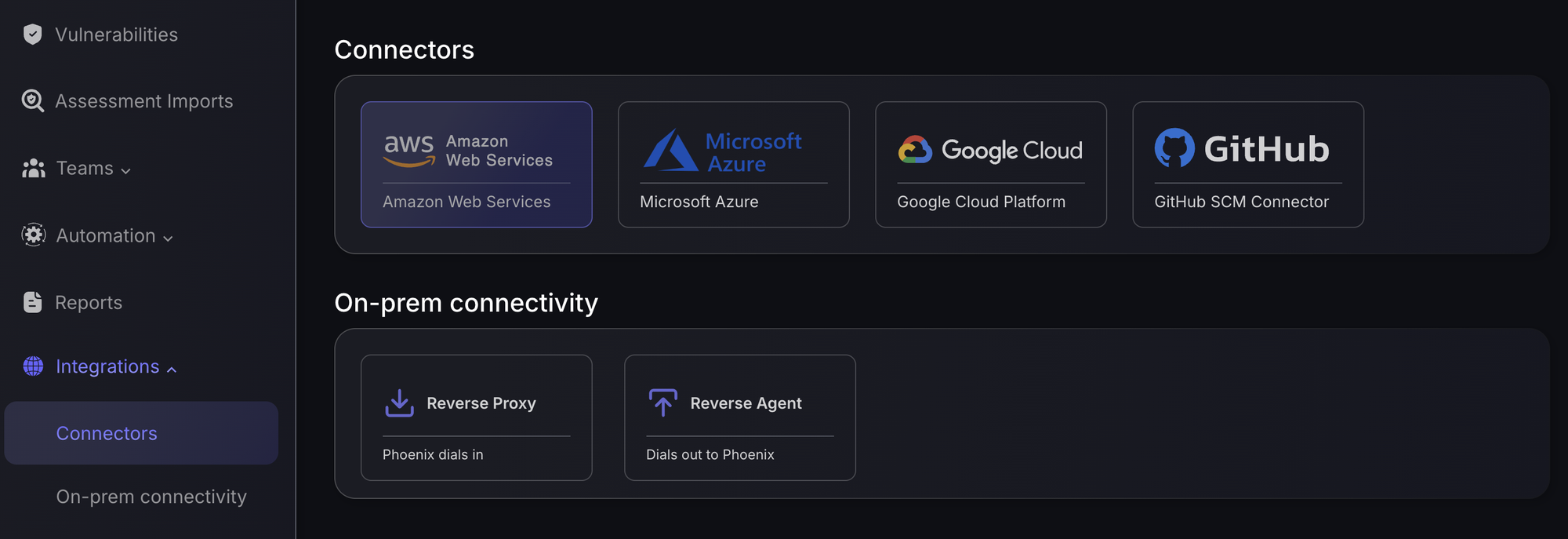
- In Phoenix, go to Integrations › Connectors.
- Under Connectors, select Amazon Web Services.
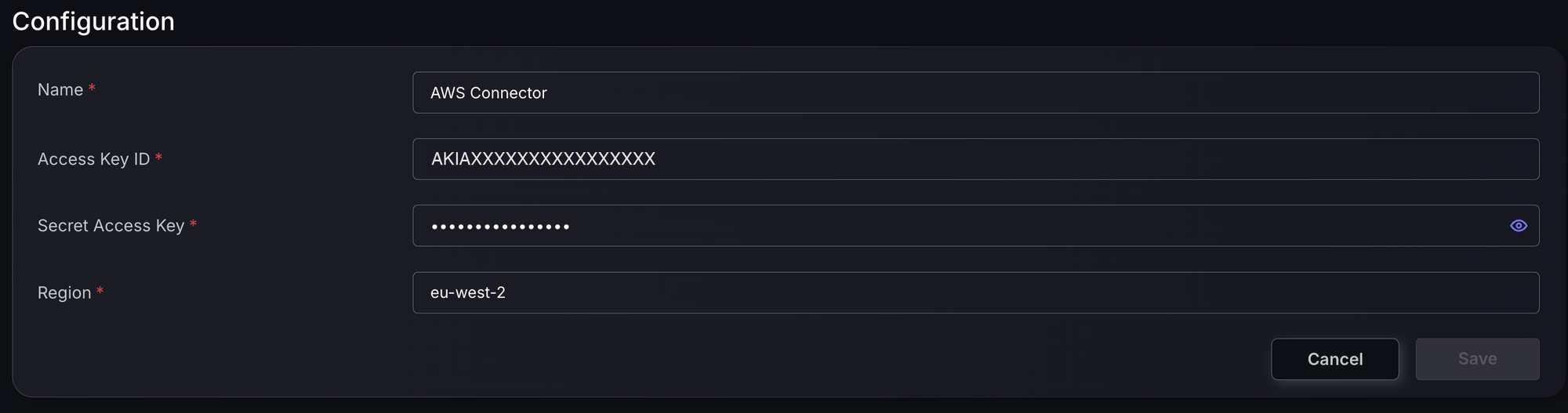
Enter the connection details
- Name – the name of the connector as it will appear in Phoenix.
- Access Key ID and Secret Access Key – the credentials created in the previous step.
- Region – the AWS region to collect data from. Each connector covers one region; to cover more regions or accounts, create one connector for each.
Click Save. Phoenix checks the access key with AWS before creating the connector. If the check fails, Phoenix shows Invalid credentials and the connector is not created.
Add Capabilities
Once the connector is created, its page shows the Configuration and Capabilities sections. To add a capability:
- Under Capabilities, click + Add New.
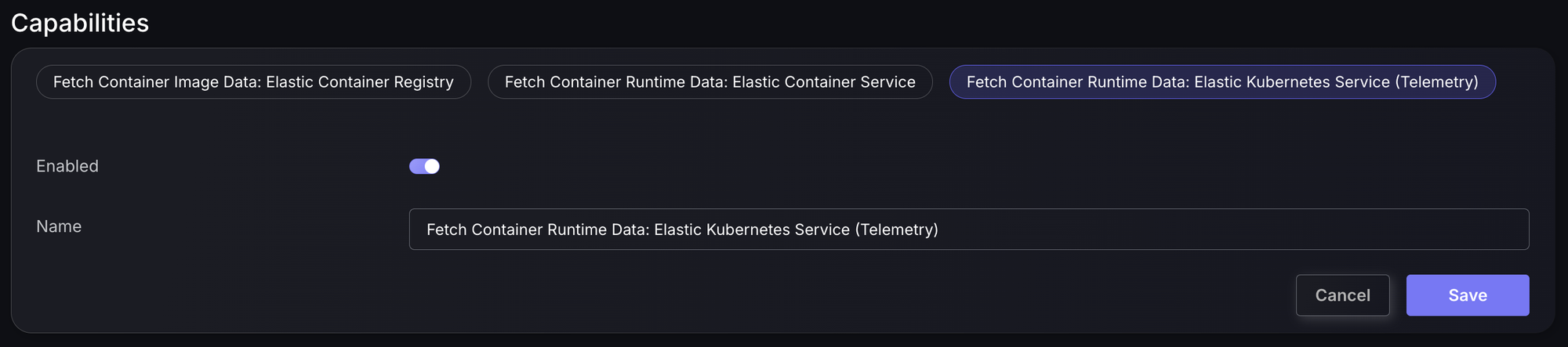
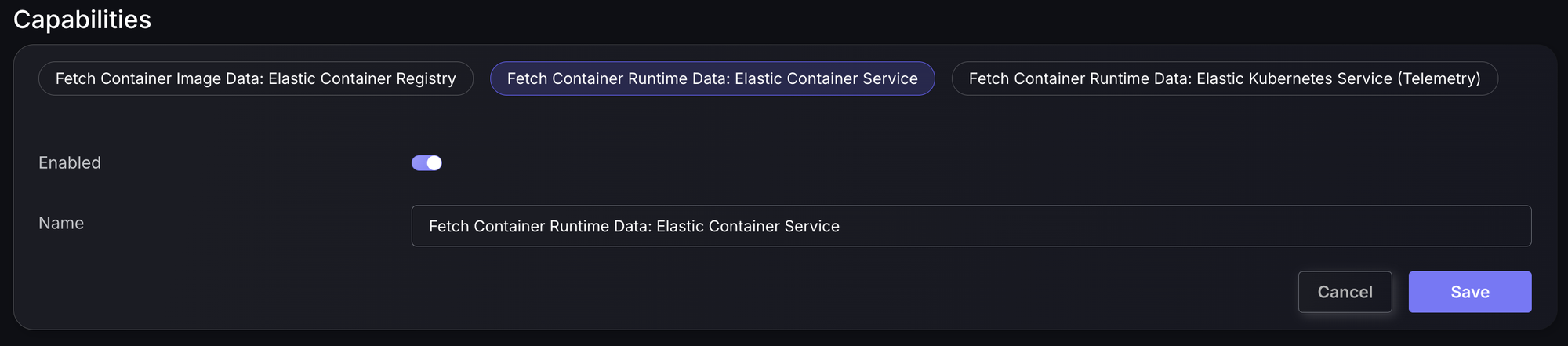
- Choose the capability tab: Elastic Container Registry, Elastic Container Service, or Elastic Kubernetes Service (Telemetry).
- Make sure Enabled is on, adjust the Name if you want, and click Save.
- Repeat for each capability you need.
Added capabilities are listed on the connector page. Expand one to edit it, or use the bin icon to remove it.

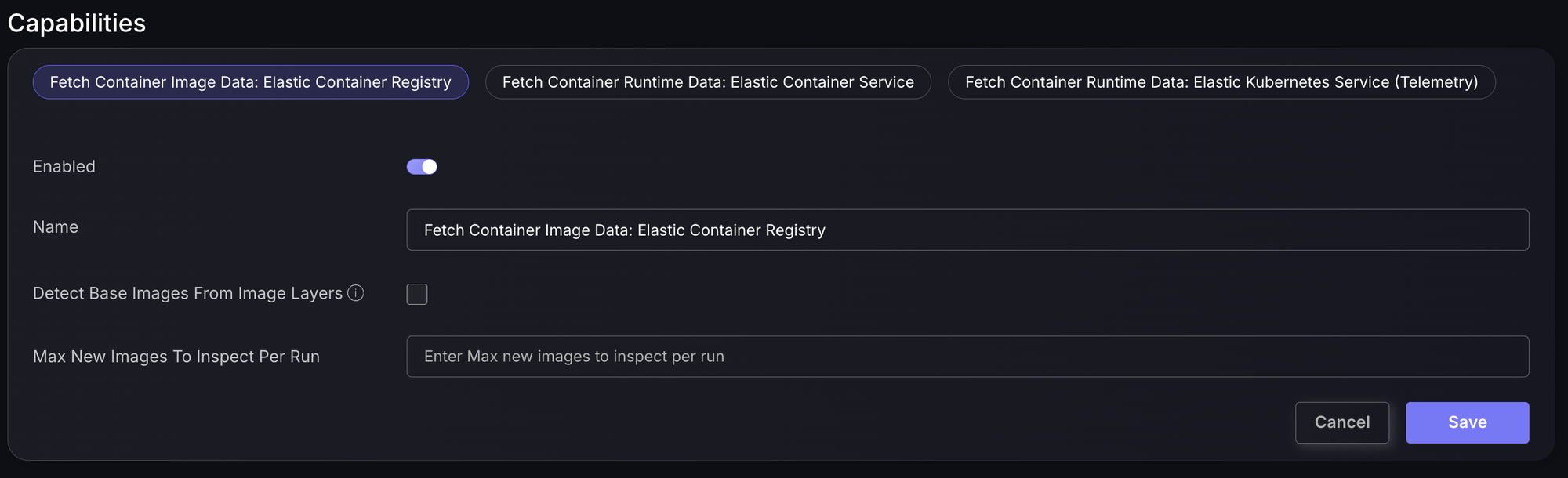
Elastic Container Registry (images)
Optionally, tick Detect Base Images From Image Layers to identify each image’s base image, and use Max New Images To Inspect Per Run to limit how many new images are inspected each time.
Elastic Container Service (runtime)
Only Enabled and Name are configurable. Phoenix reads every running task in every ECS cluster in the connector’s region. Stopped tasks are ignored.
Elastic Kubernetes Service – Telemetry (runtime)
Only Enabled and Name are configurable. Phoenix lists every EKS cluster in the region and queries each cluster’s Container Insights log group for the last 24 hours.